
Rogan Josh Engineering
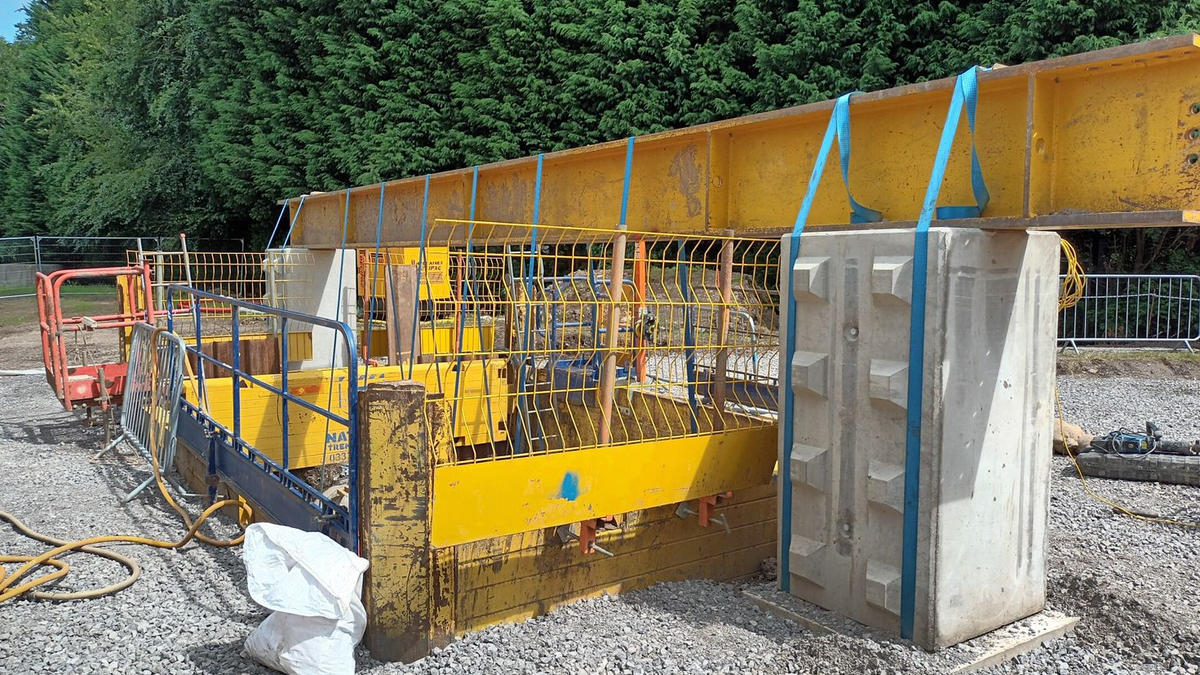
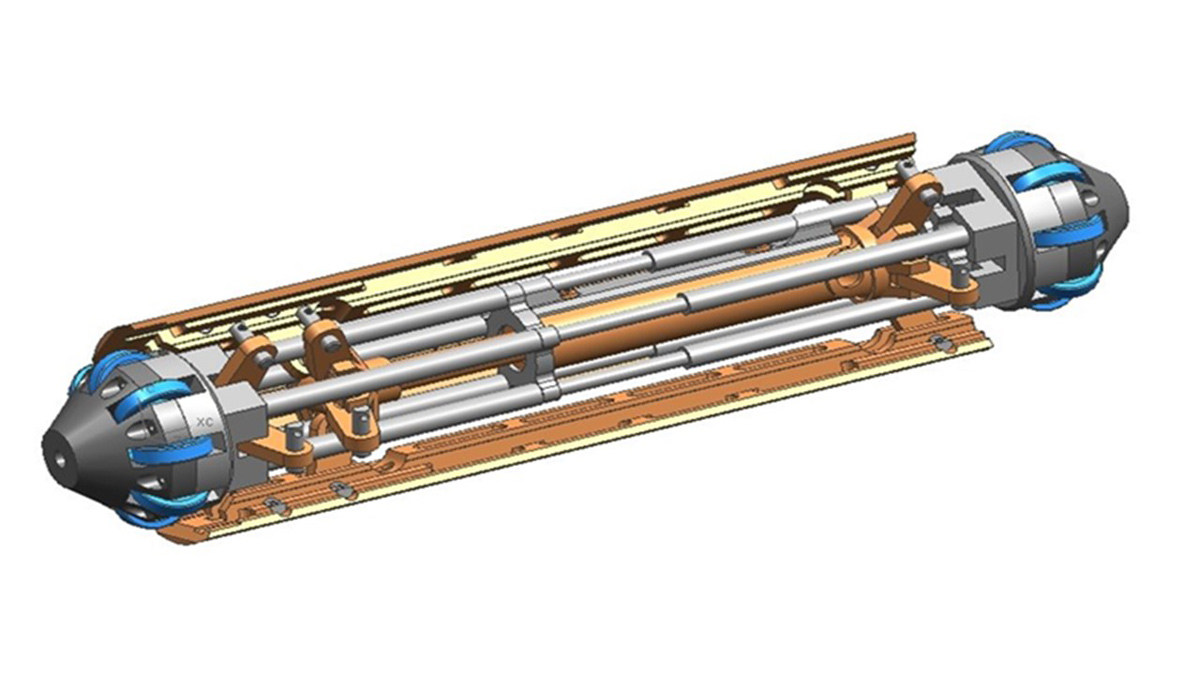
TESTING MISSING PHOTO 1
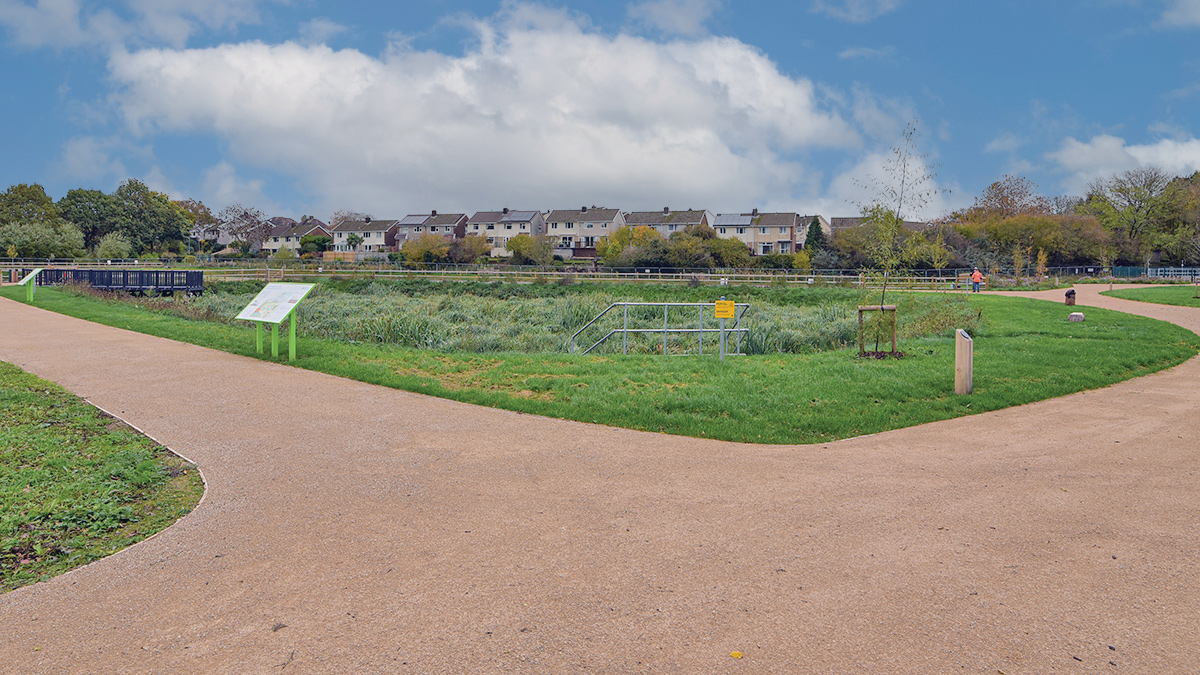
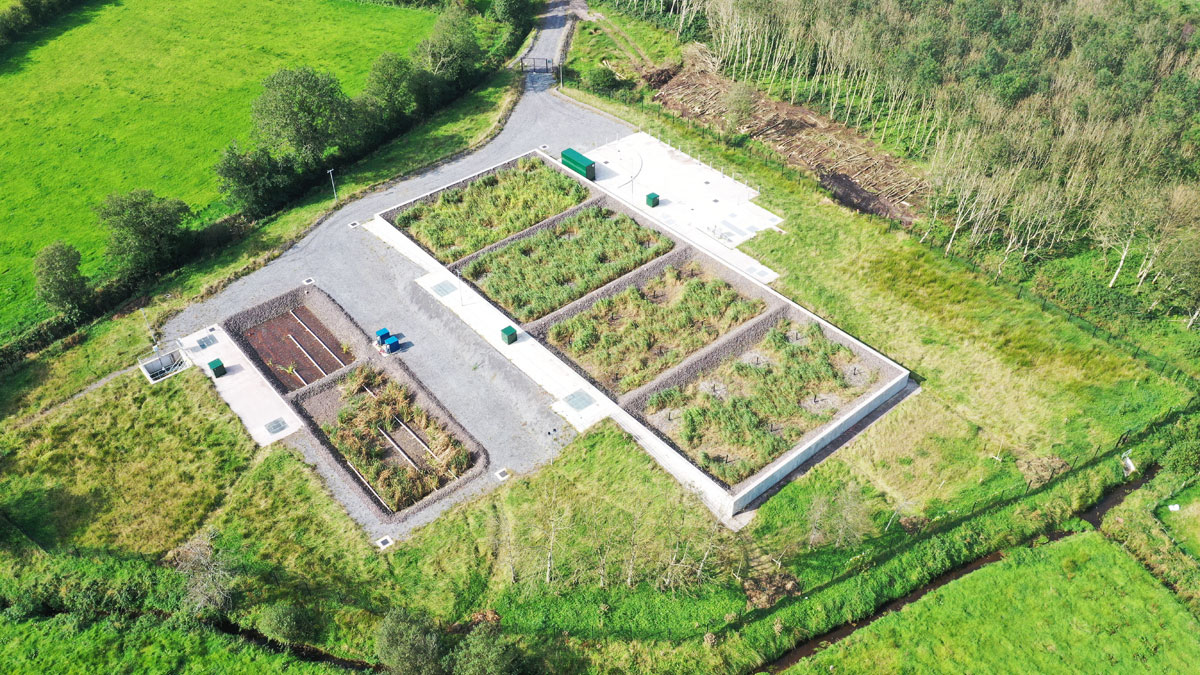
CAPTION FOR FEATURED IMAGE
I finally found that – for some reason – the first picture was not correctly linked to the article in the database.
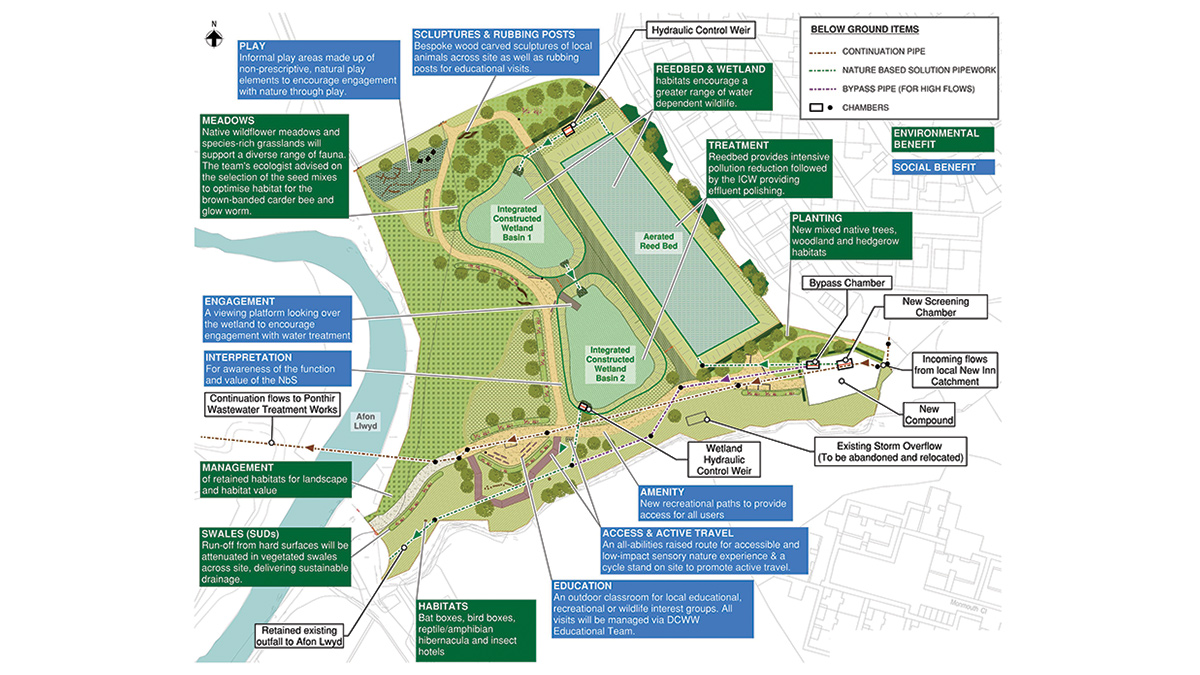
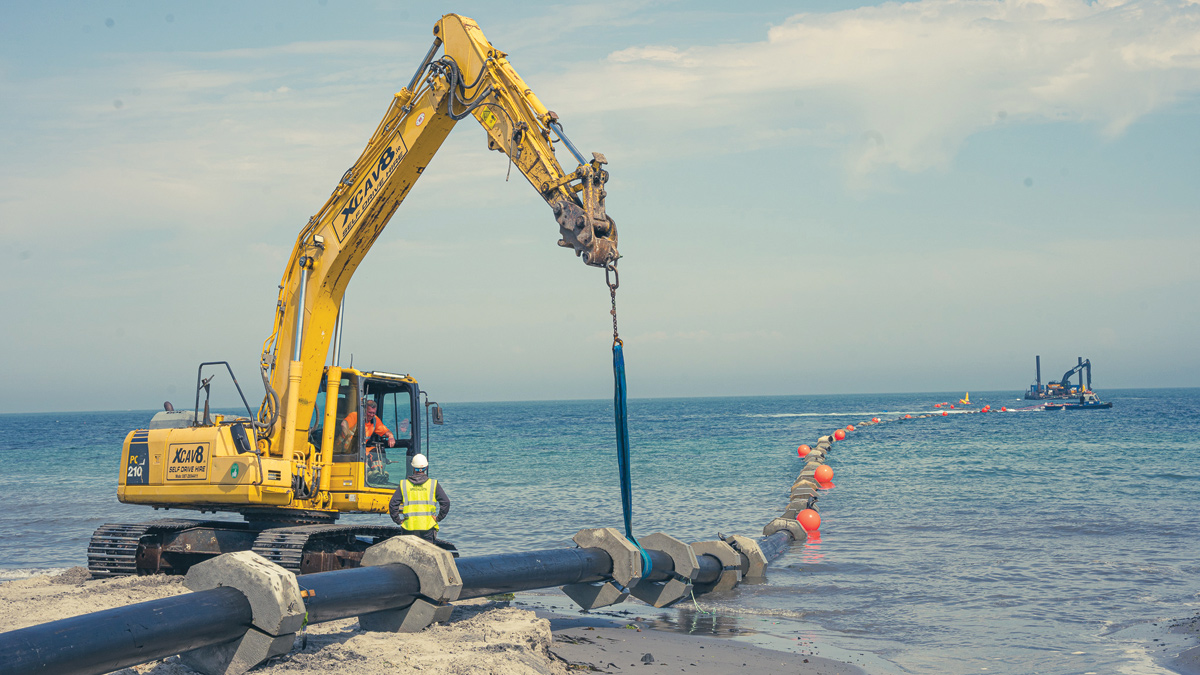
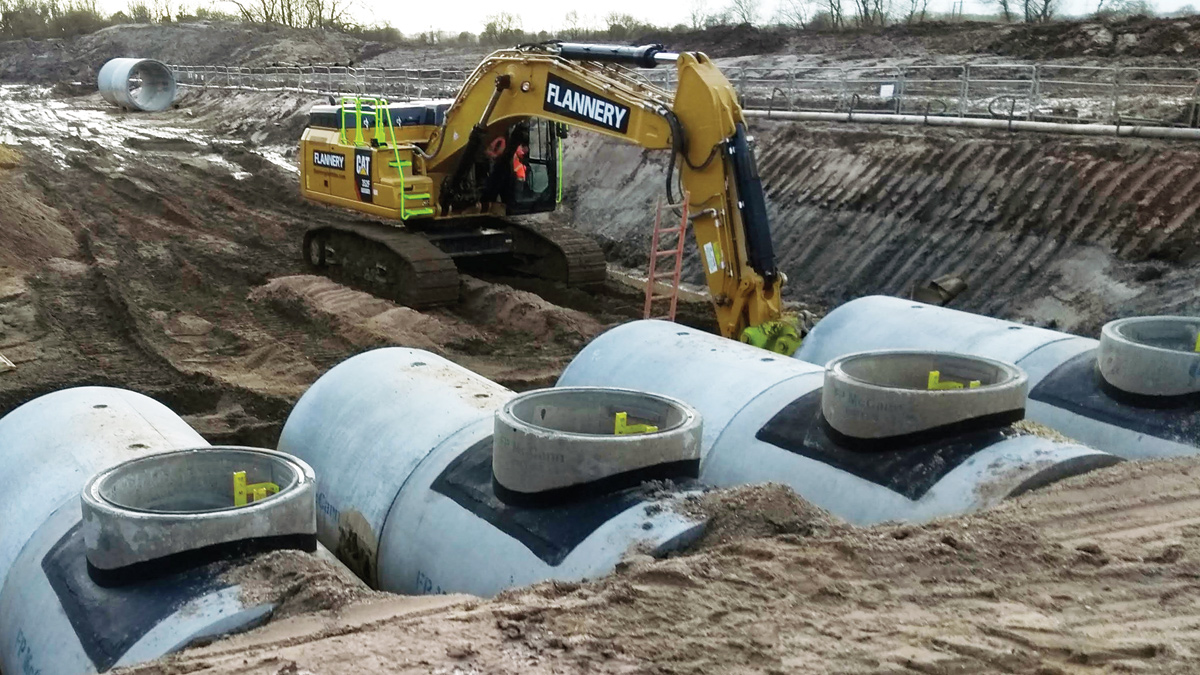
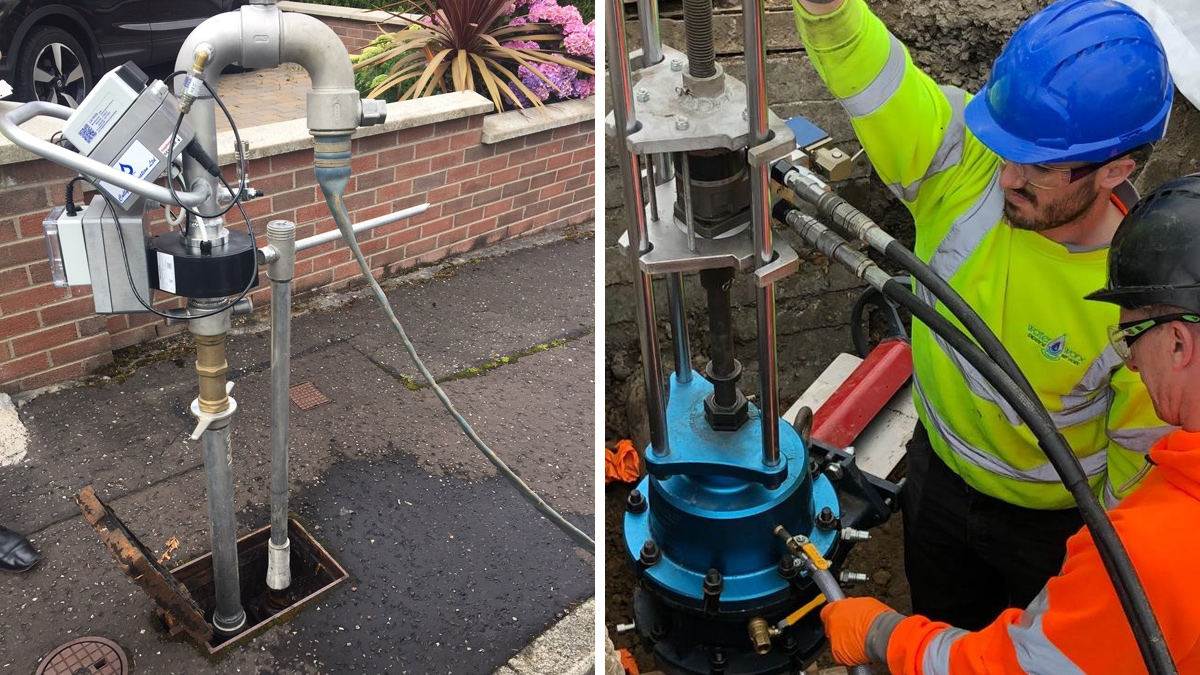
CAPTION FOR PHOTO 1
I established the link, and I was able to submit and approve it.
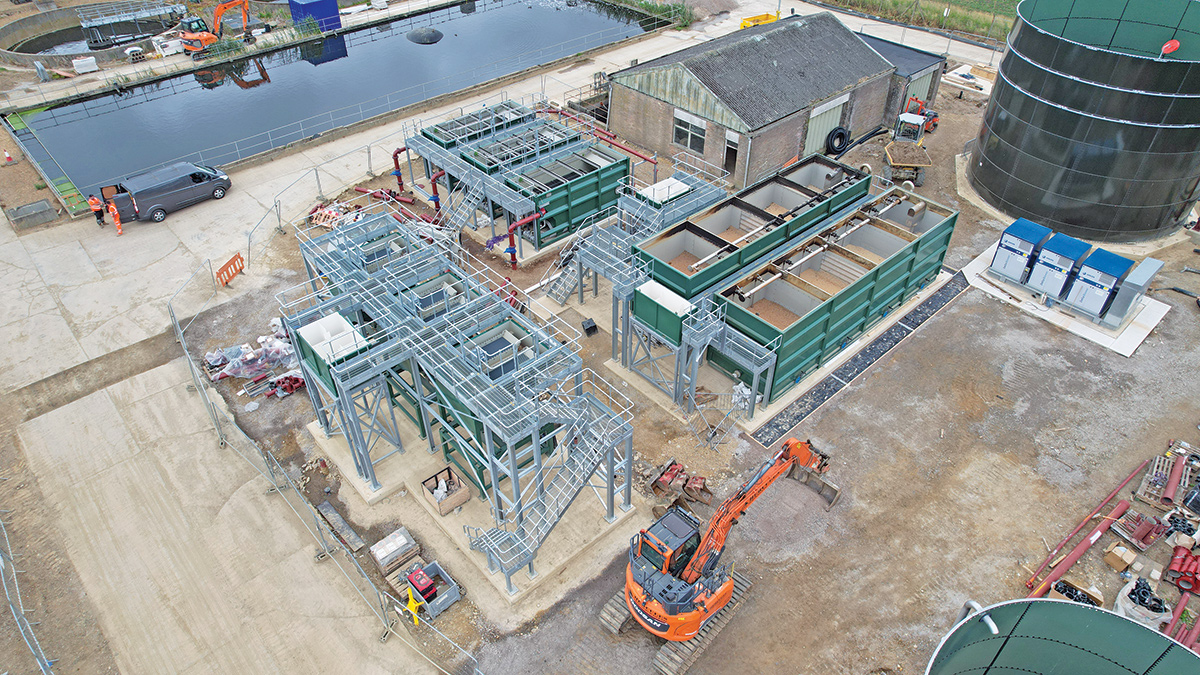
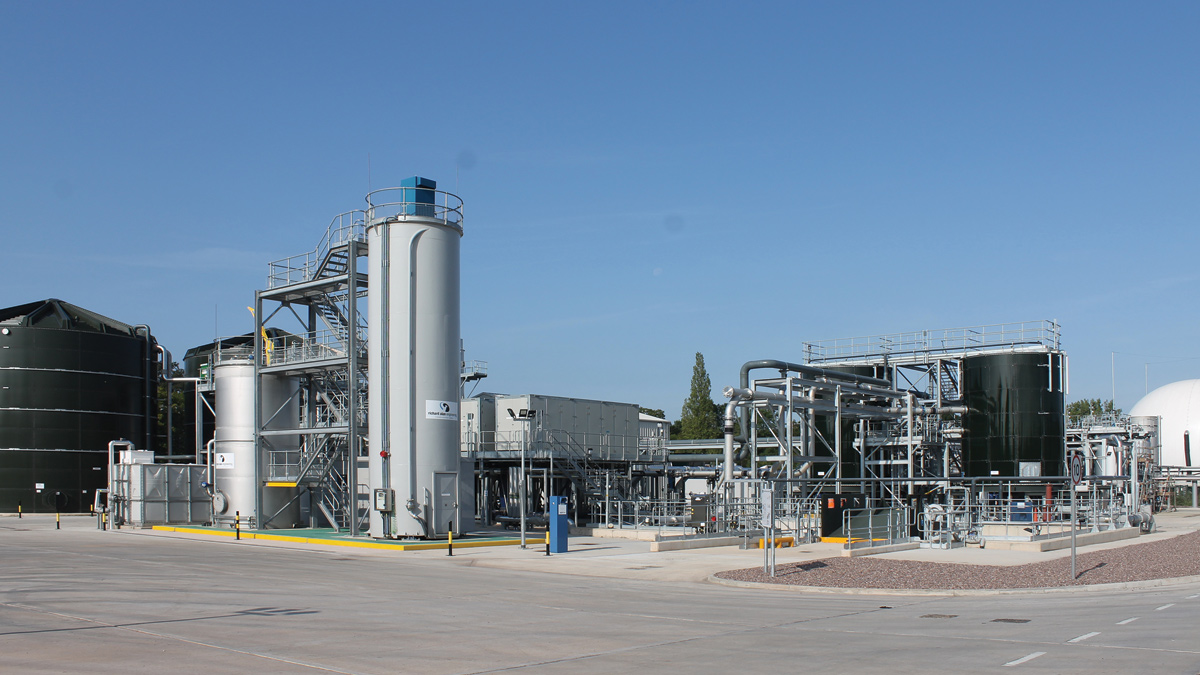
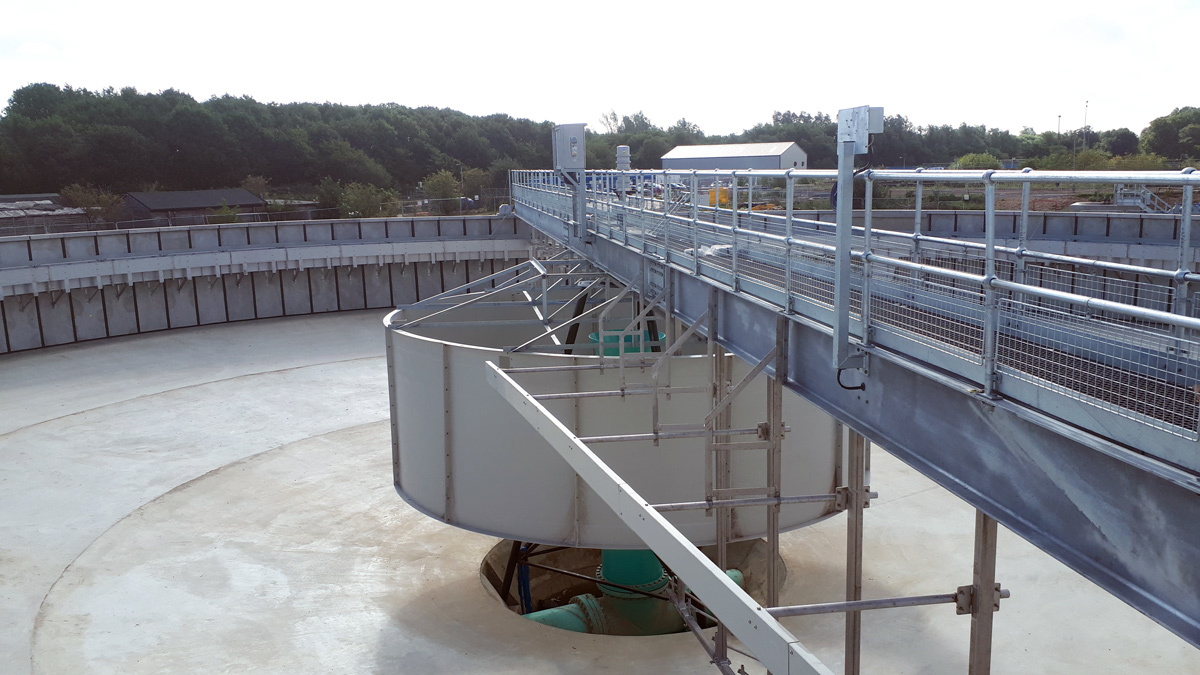
CAPTION FOR PHOTO 2
Can you perhaps perform an additional test or so? I’ll see on my end whether I can add some “validation” to make sure that images that are part of the content are all correctly linked to the article itself…
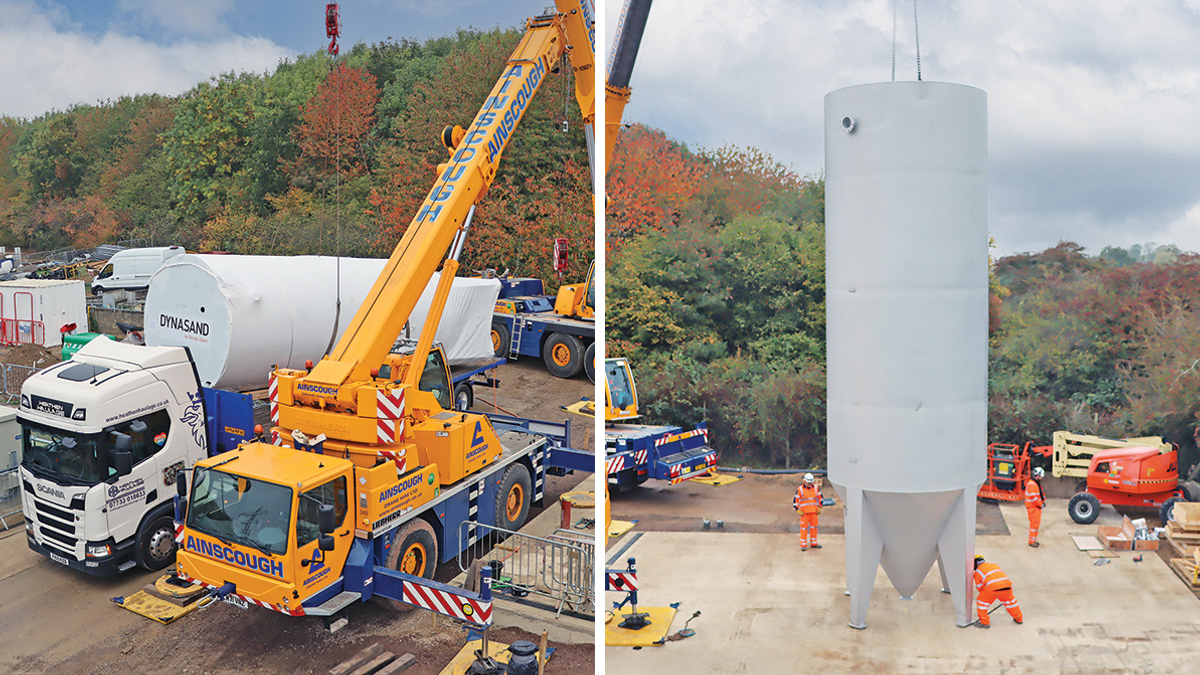
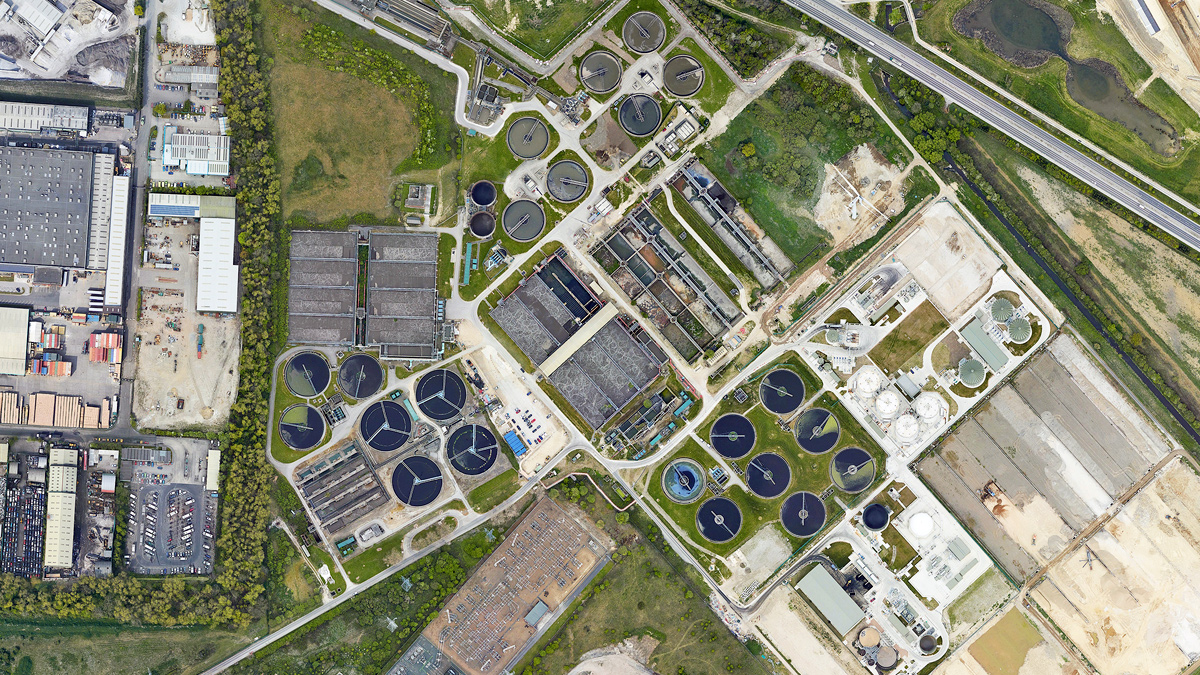
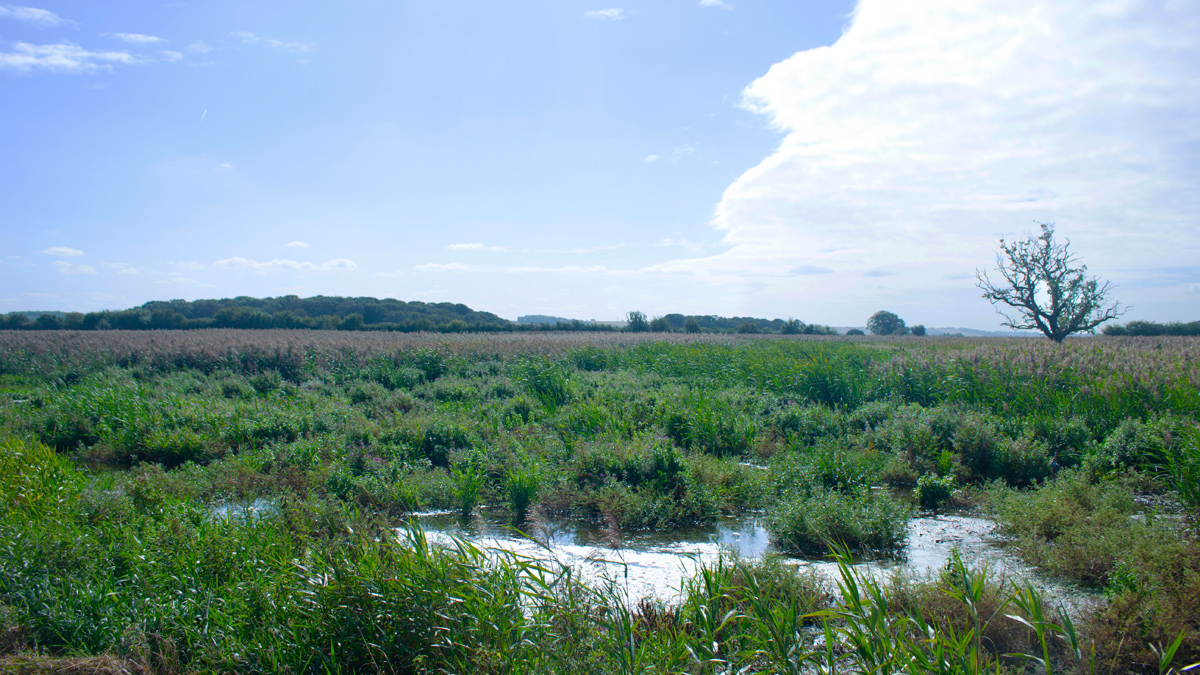
CAPTION FOR PHOTO 3
I hope the mass emails will work well!
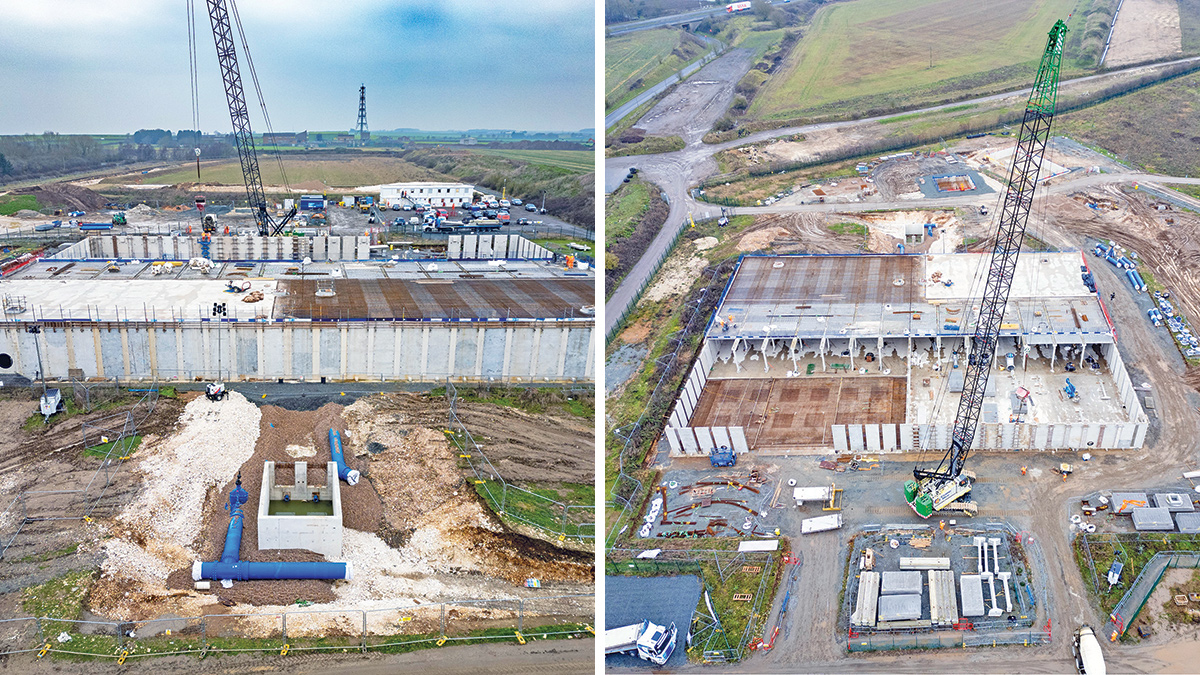
CAPTION FOR PHOTO 4
For More Information, contact us at https://www.waterprojectsonline.com

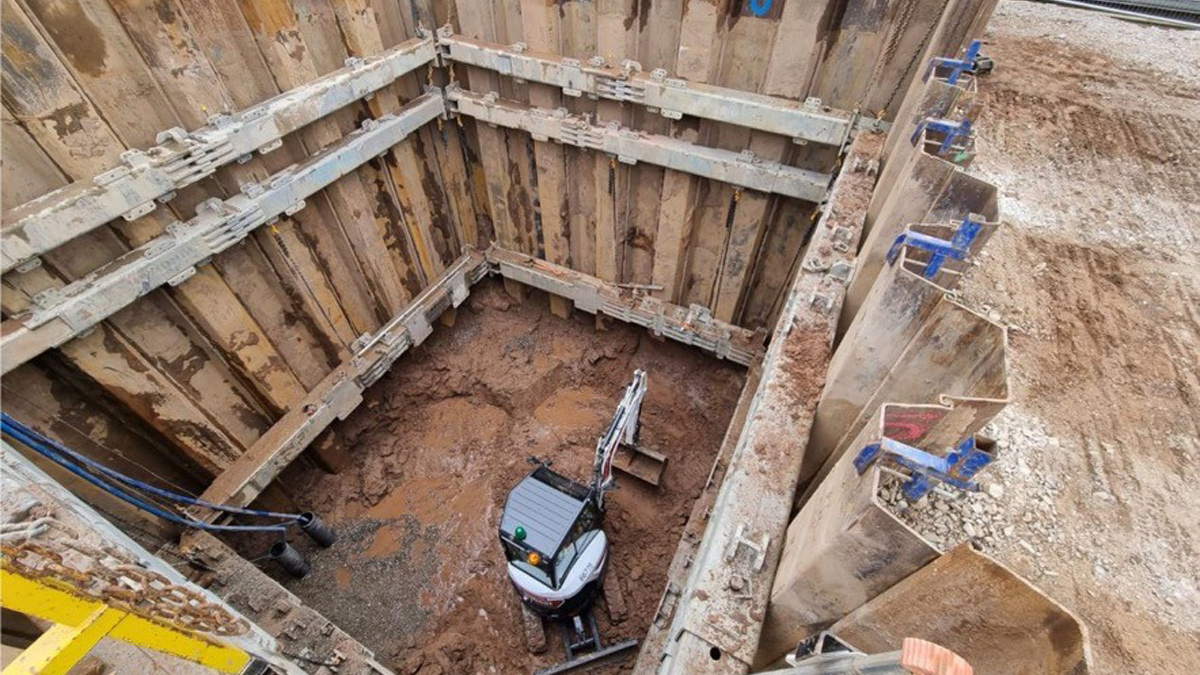
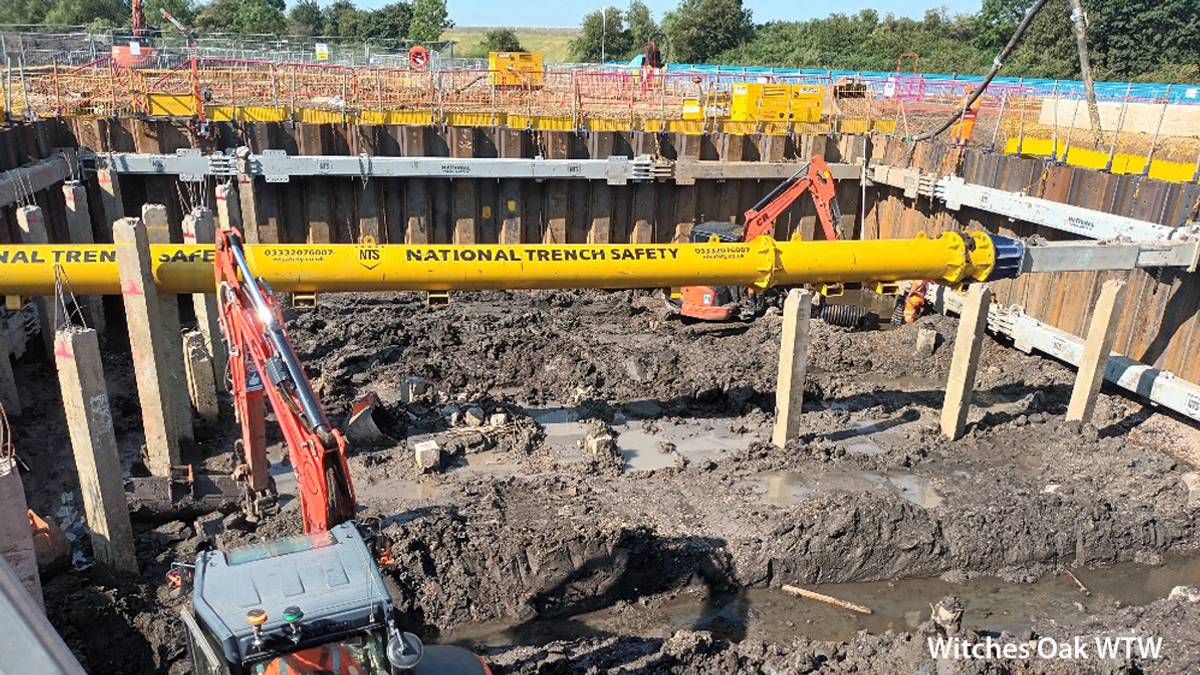

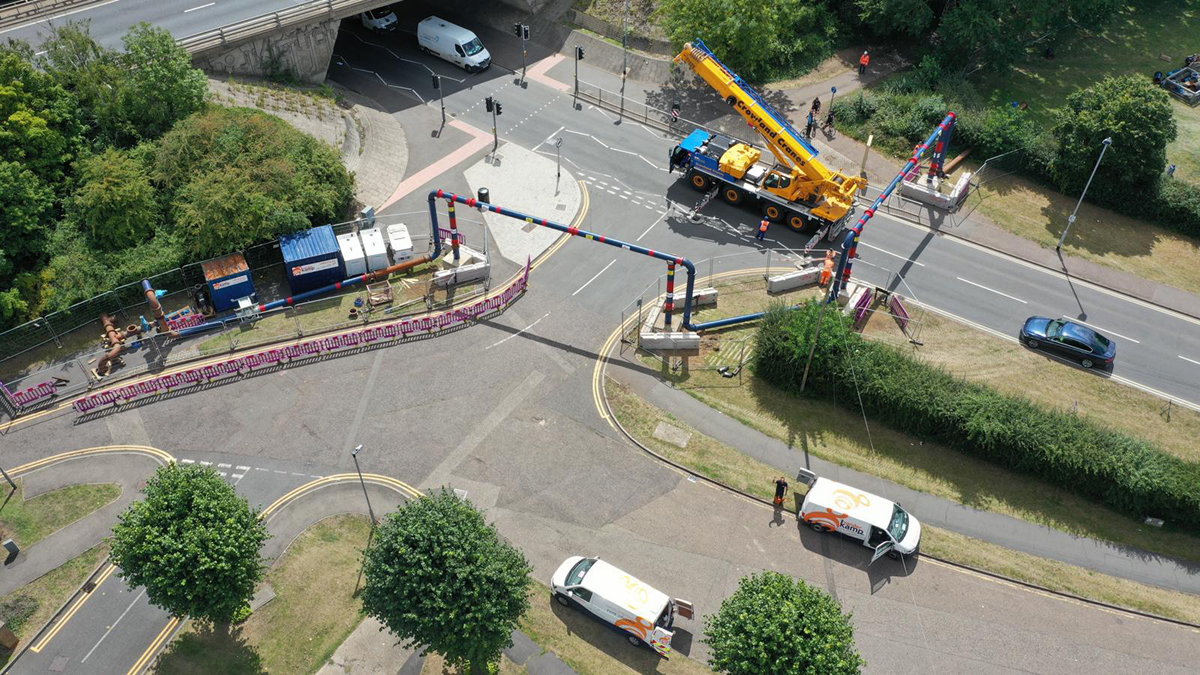
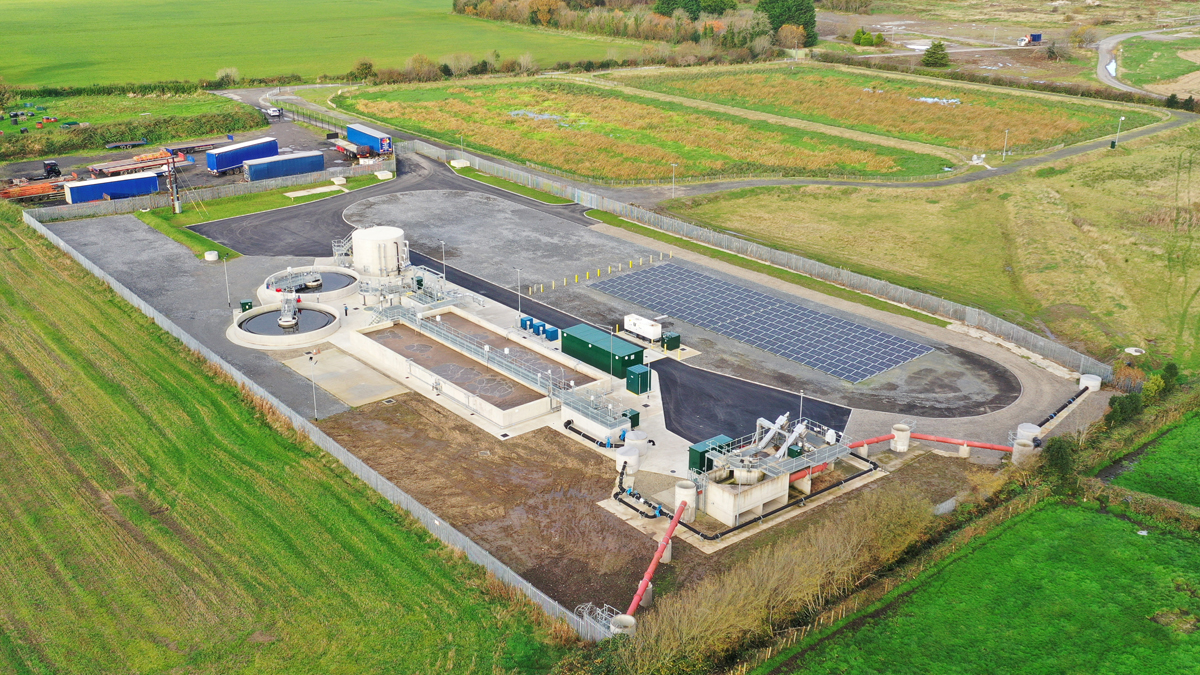
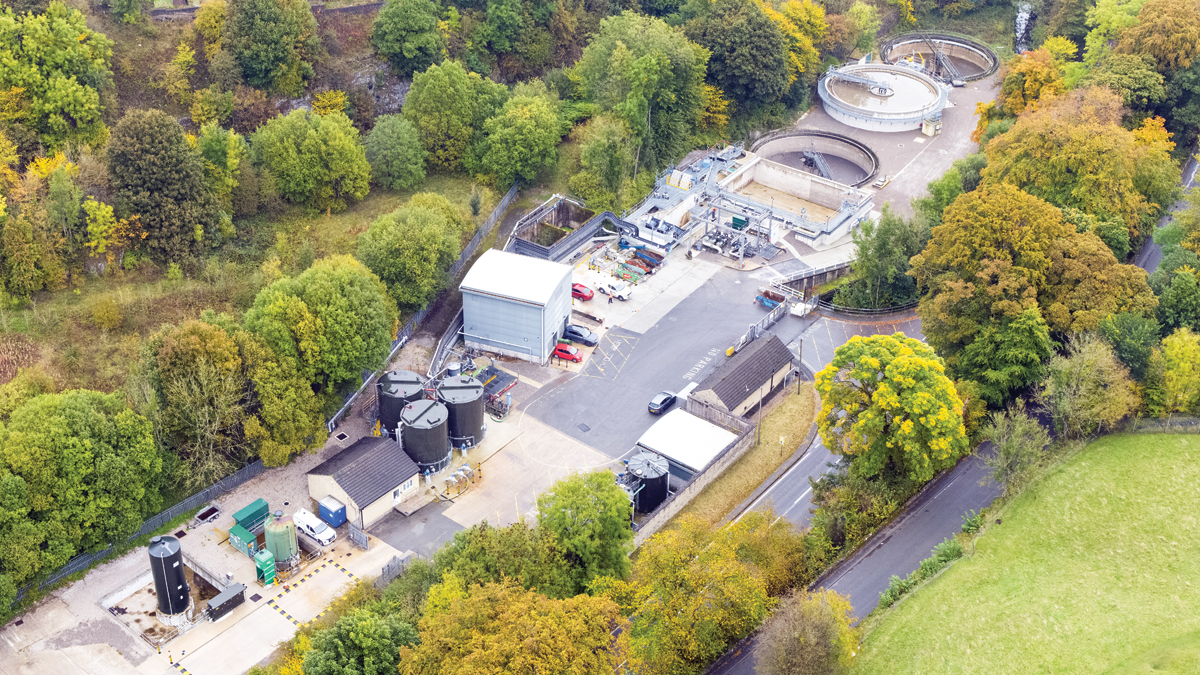
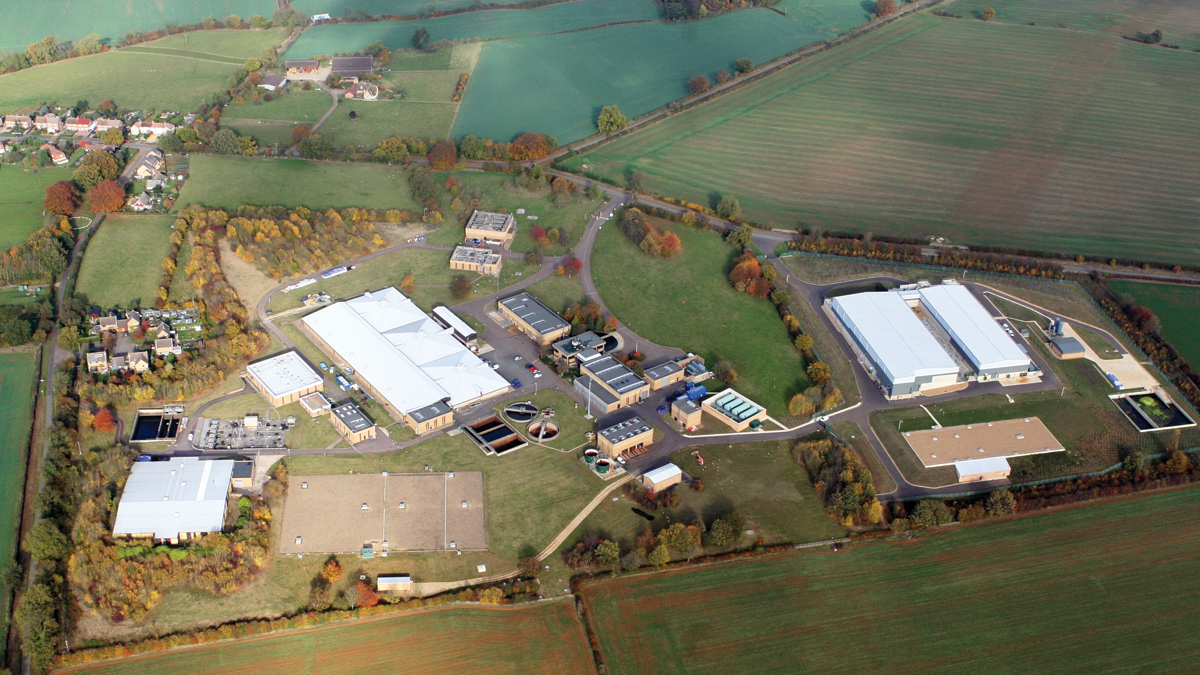
00 CREATING A NEW JOB
Apply NowCAN WE INCLUDE THE FOLLOWING HERE ….
SECTOR. CATEGORY. LOCATION. CONTRACT TYPE. EXPIRY DATE. APPLY NOW BUTON
___________________________________________________________________________
Created the job post
Should be ..
- Sector: Civil Engineering
- Category: Apprentice
- Location: East of England
- Contract Type: Contract
- Current Period: 19 Sept 2025 to 19 Oct 2025
Clicked for approval … Submittals …. IT SEEMS OK
WENT BACK TO THE PORTAL & CLICKED ON EDIT …
- Sector: Civil Engineering – NO LONGER CHECKED
- Category: Apprentice
- Location: East of England – NO LONGER CHECKED
- Contract Type: Contract – NO LONGER CHECKED
- Current Period: 19 Sept 2025 to 19 Oct 2025
I ADDED THE MISSING SECTOR/LOCATION/CONTRACT TYPE … SUBMITTED & APPROVED
On Test WP page, everything shows fine
Went back to edit … sector/location/contract type missing again
EXTENDED DURATION
I added 4 months to the duration …
- Credits dropped from 8 to 4
- New end date should be 19 February 2026
Submitted for approval … When I look at submittals, the end date is wrong …
The screenshot below says “Until … 31 December 2026” … it should be till 19-Feb-26
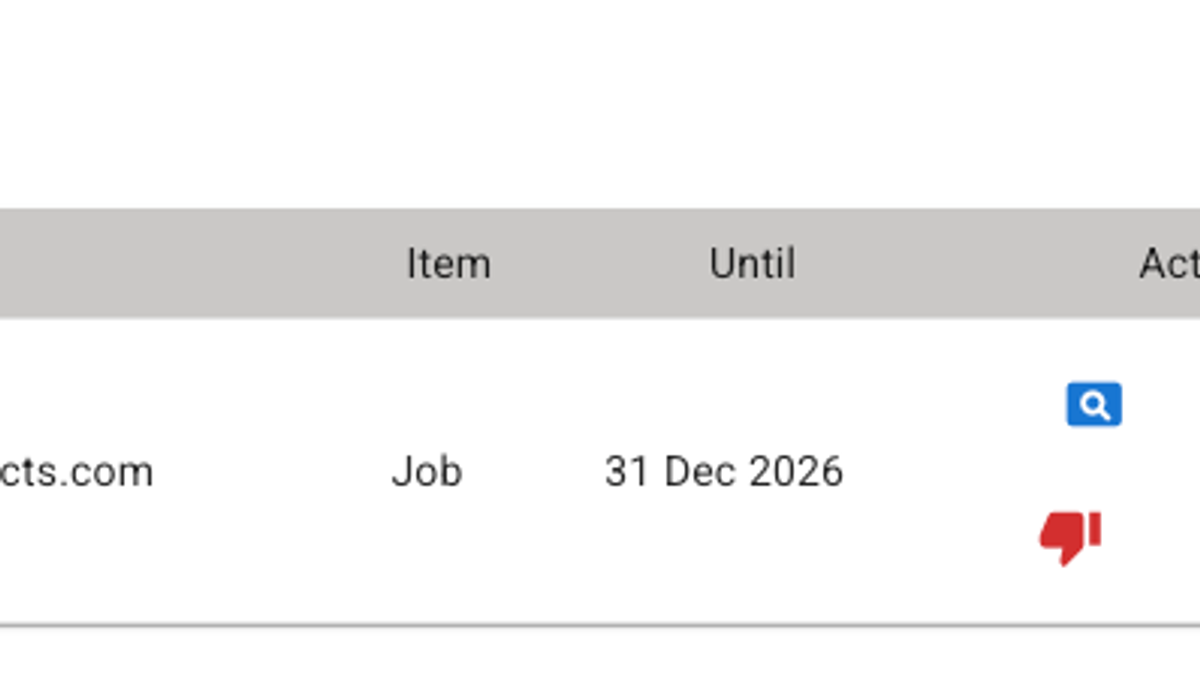
NOTE: Adding a photo isn’t working properly … sizing is wrong when I select the image. The image above should show my email address, Job, Until and the Actions. The above is as big as it will let me .. the size of the screenshot is only 742 x 224
ON THE TEST WP JOBS BOARD
- THE LOGO IS THE PELICAN AND NOT THE COMPANY LOGO
- PHOTO LOOKS BAD
MORE OBVIOUS UPDATE BUTTON
IS THERE A WAY WE CAN MAKE IT MORE OBVIOUS THAT THEY HAVE TO CLICK ON UPDATE? I KEEP MISSING IT AND I KNOW I’M MEANT TO DO SO